Quick Add
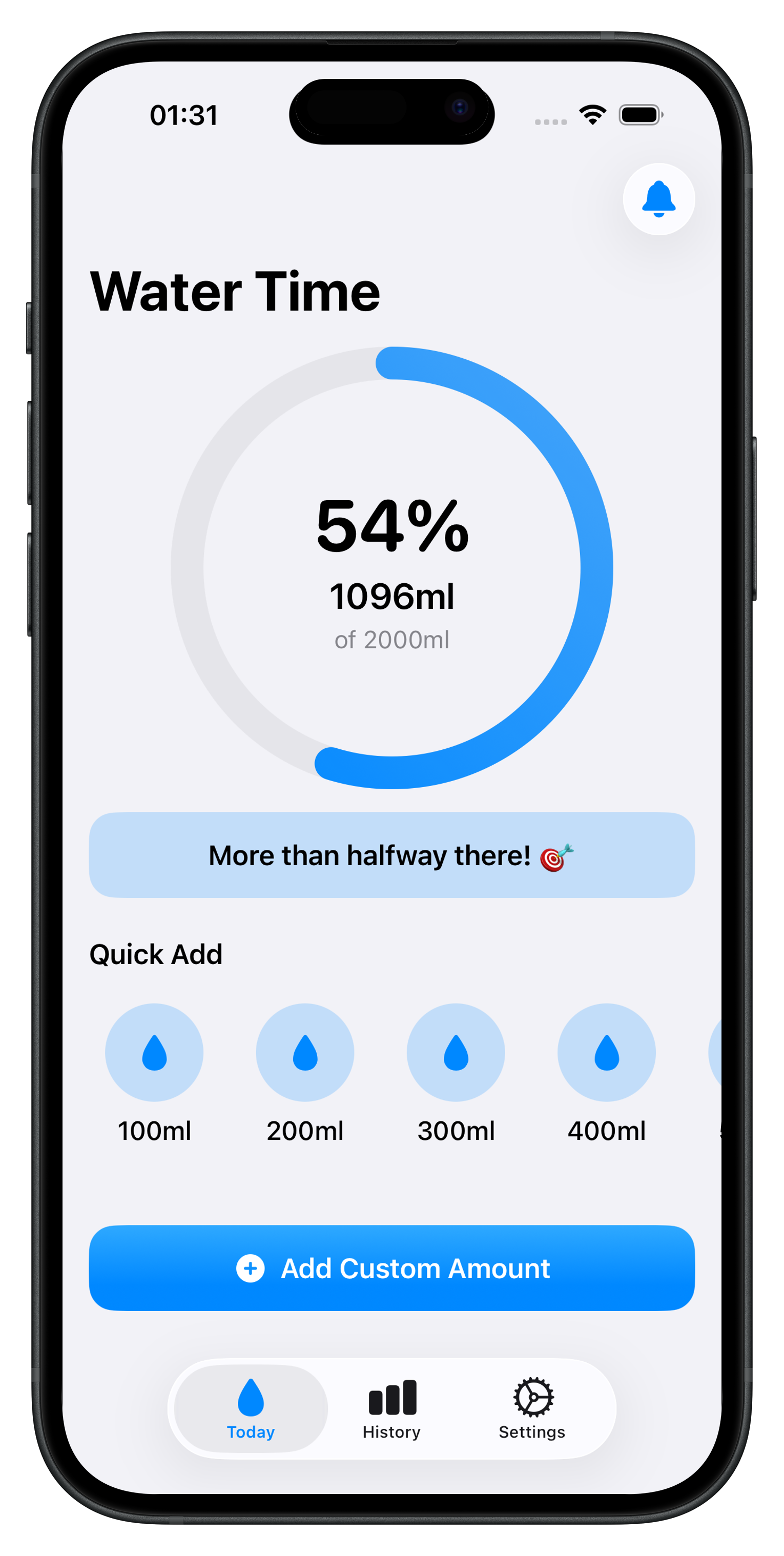
One tap for the glasses you drink most. A slider when the amount is different.
WaterTime
Log a glass. Watch the day fill in. Get a reminder only when you ask for one.

Today
The Today tab shows how close you are, in percent and in the amount you’ve logged. Quick Add covers 100 to 500 ml, or 4 to 20 fl oz. A custom amount covers everything else. A short note changes as you get closer to the goal.
History
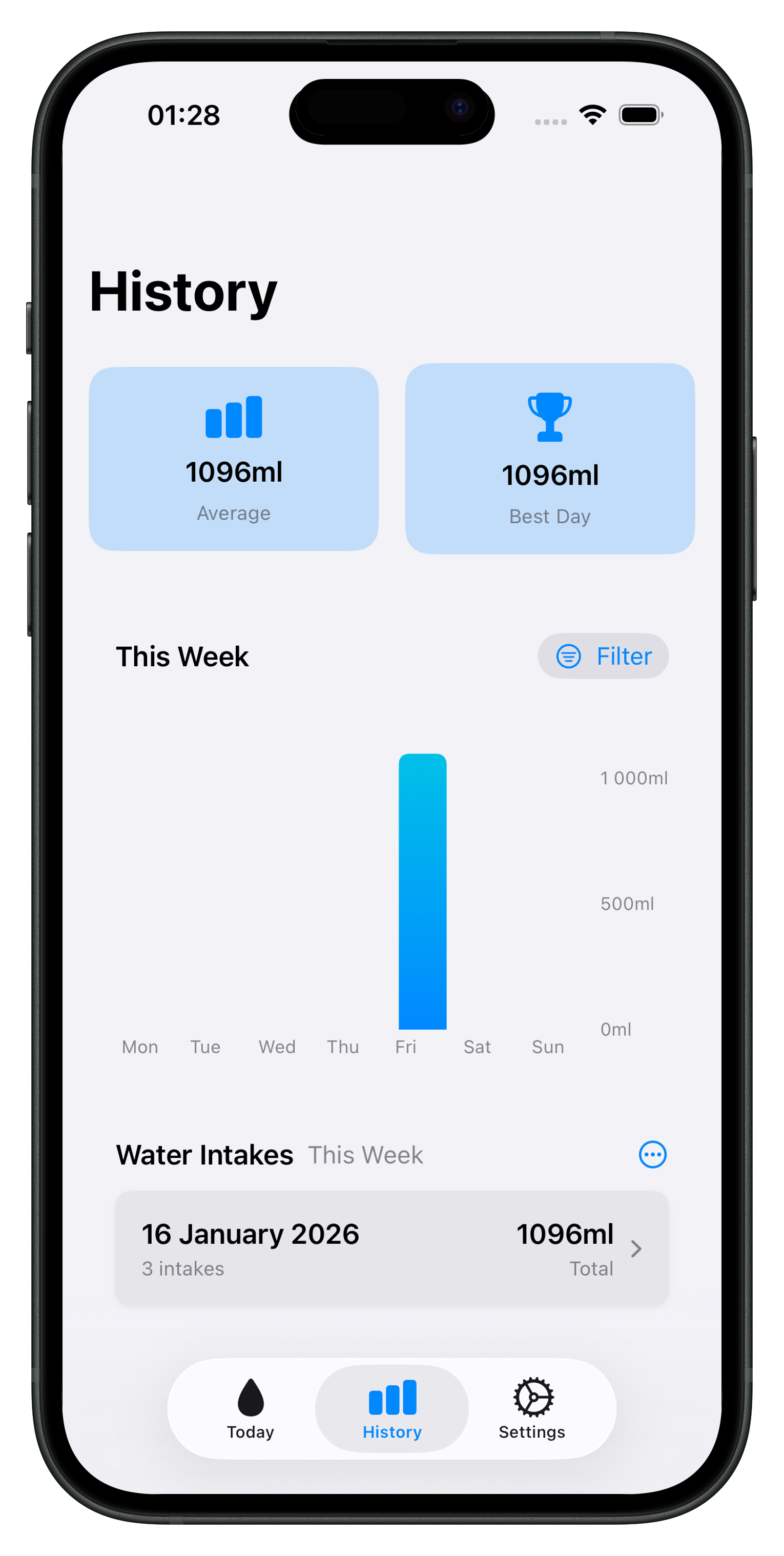
Average and best day sit above a chart of each day. Filter by today, yesterday, this week, this month, all time, or a range you choose. Open a day to see each glass and remove one if you need to.
Reminders
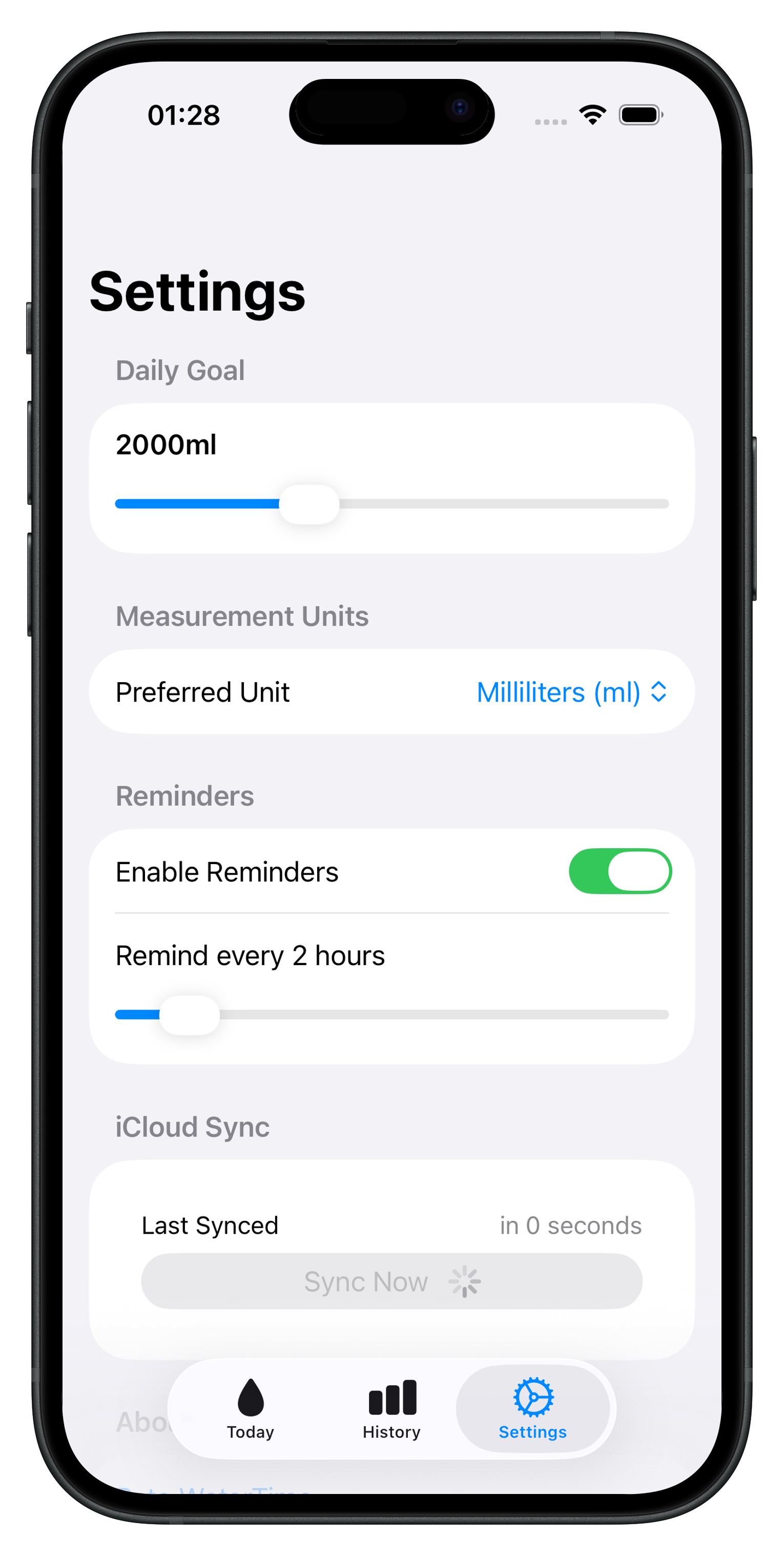
Choose millilitres or fluid ounces. Set a daily goal from 500 to 5,000 ml, or 20 to 169 fl oz. Reminders can arrive every 1 to 12 hours, from 8 a.m. to 10 p.m. Signed in to iCloud, your log stays with you on your other devices.
One tap for the glasses you drink most. A slider when the amount is different.
Average, best day, and a bar for every day in the range you pick.
Local notifications on a schedule you choose. Turn them off any time.
Your intakes and preferences sync through your private iCloud database.